Meetings That Start on Time
Audio Visual Installation in Denver
Describe the room and what goes wrong in it.
Conference Room Audio Visual Systems for Denver Offices
Audio visual installation gives a Denver office meeting rooms where the display, camera, microphones and speakers work together and a call starts with one touch. Email the room size and the meeting platform you use. A custom quote comes back in writing.
Every office has the room. Ten minutes into the meeting someone is still hunting for the right cable. The remote attendees can see a ceiling and hear a fan.
The fix is rarely a bigger screen. It's a microphone placed where people sit, a camera at eye level and one controller that joins the meeting straight from the calendar invite.
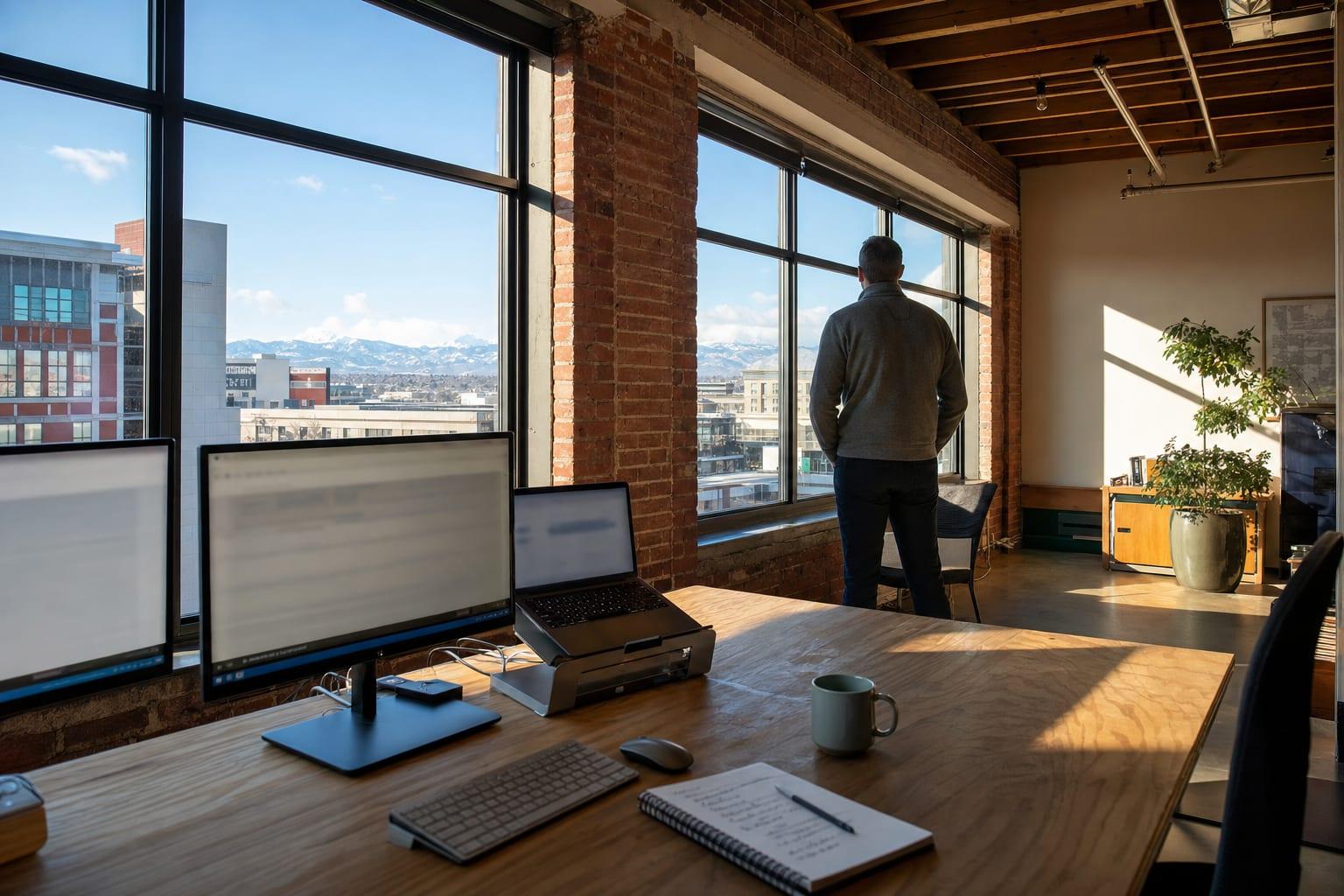
Rooms differ. Glass walls and bare concrete, common in converted lofts, make voices echo. A mic that works in a carpeted room fails there. Listen to the room before ordering anything.
Why Choose Us for Audio Visual Installation?
Room First
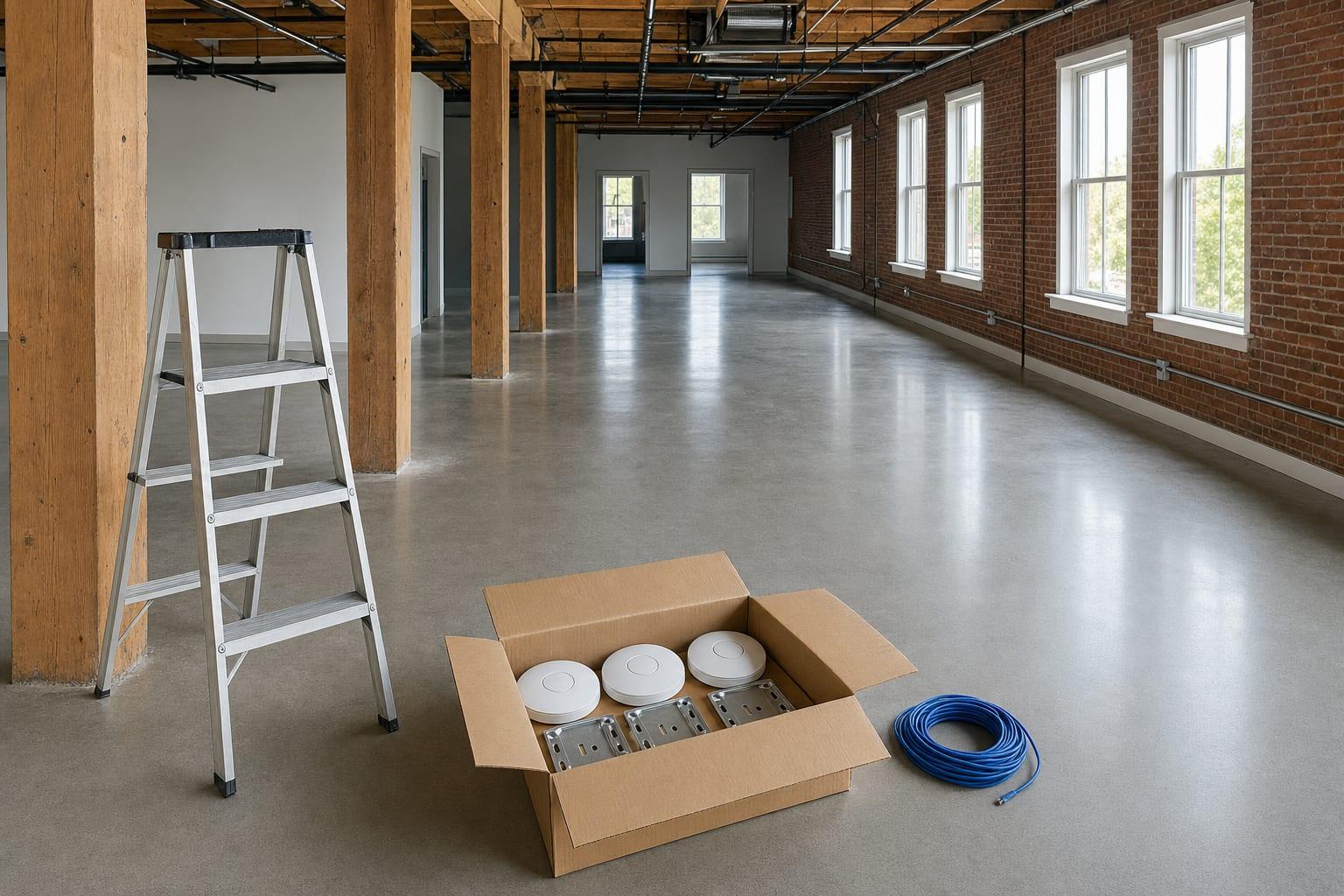
Size, surfaces and seating get checked before a single part is specified.
One Touch to Join
The meeting starts from the calendar, not from a tangle of adapters.
Tested on a Real Call
Someone dials in from outside and reports what they see and hear.
On the Network Properly
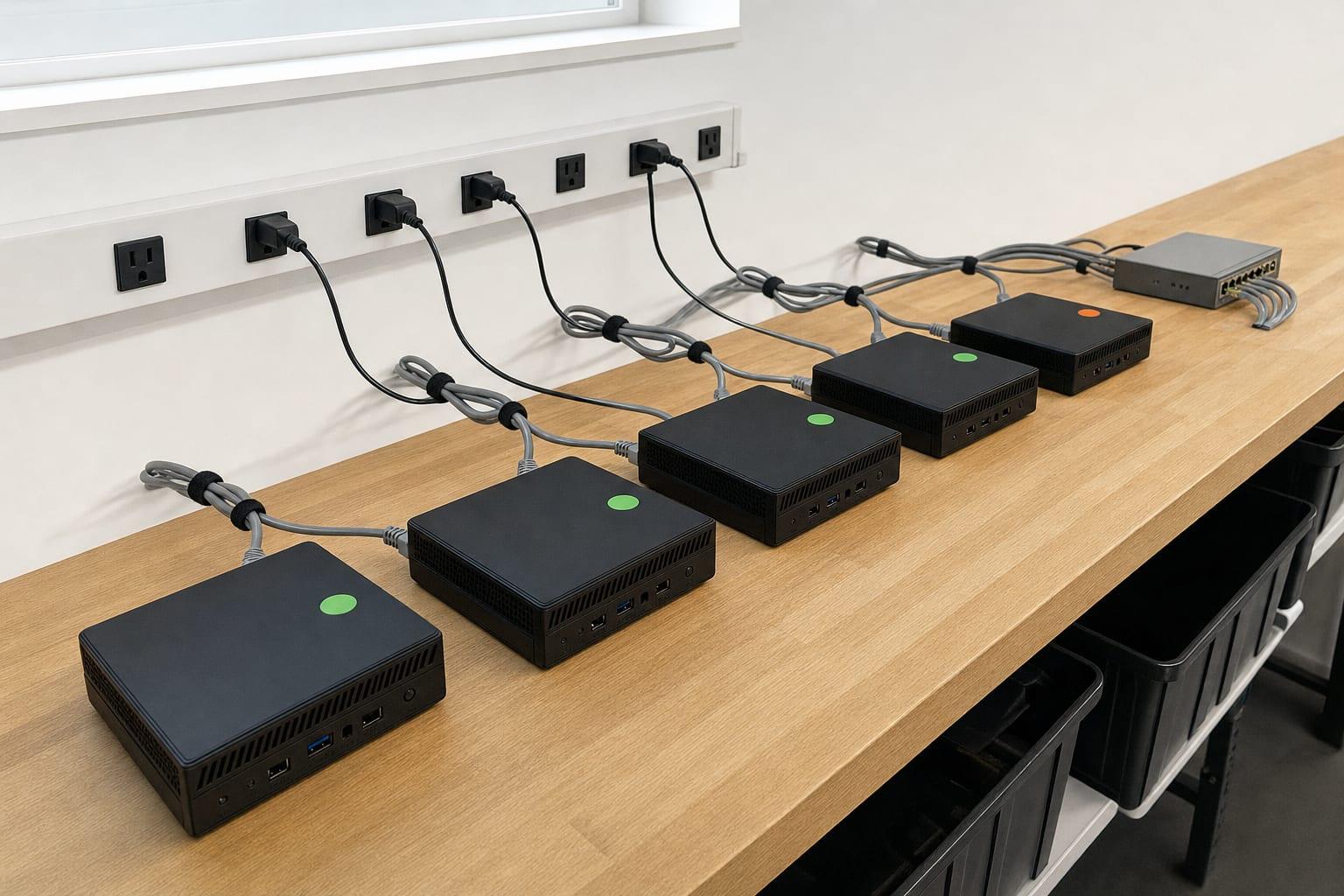
Room devices get updates and a proper place on the network, like any other computer.
What Conference Room AV Installation Covers
Six components, chosen for the room and not from a catalog page.
Display
A screen sized to the far seat, mounted at a height people can look at for an hour.
Camera
Set at eye level and wide enough for the table, with framing that follows whoever speaks.
Microphones
Table, ceiling or bar microphones picked for the room's size and echo.
Speakers
Even sound at every chair, without blasting the seats nearest the screen.
Room Controller
One touch panel that starts the scheduled meeting on your platform.
Cabling and Power
Cables hidden in the wall or table, with one clean connection for a guest laptop.
How an AV Installation Runs
Describe the Room
Dimensions, seats, surfaces and platform.
Design
A parts list and a mounting plan.
Install
Display, camera, mics and cabling fitted.
Configure
Calendar, platform and controller set up.
Test Call
A live call from outside the building, then adjustments.
Talk to a Denver Managed IT Team
Room size, number of seats and which meeting platform. Photos help.
Call (970) 638-2930Get a Free Quote
No obligation.
Audio Visual Installation Cost by Room Type
| Room Type | Price | Depends On |
|---|---|---|
| Huddle room | Custom quote | Display size and all-in-one bar chosen |
| Conference room | Custom quote | Seats, microphones and mounting |
| Training or multi-use room | Custom quote | Room size, sources and audio zones |
Equipment is most of an AV quote and prices move by brand. Ask for the parts list with model numbers, so you can compare quotes that describe one room in different words.
Managed Service Provider Denver Is Proud to Serve Colorado
Audio Visual Installation Questions
What does an audio visual company do?
An audio visual company designs and installs the screens, cameras, microphones, speakers and controls used for meetings and presentations. For an office that mostly means conference rooms that connect to video calls. The work includes mounting, cabling, setup and testing.
What equipment does a conference room need for video calls?
A conference room needs a display, a camera, microphones that reach every seat, speakers and a way to join the meeting. In small rooms one video bar covers camera, mic and speaker. Larger rooms need separate microphones, because one bar can't hear the far end of a long table.
Why does our conference room audio echo on calls?
Echo on calls comes from hard surfaces such as glass, concrete and bare walls bouncing sound back into the microphone. Better microphone placement and echo-cancelling hardware help. So do rugs, panels or curtains, which often cost less than new equipment.